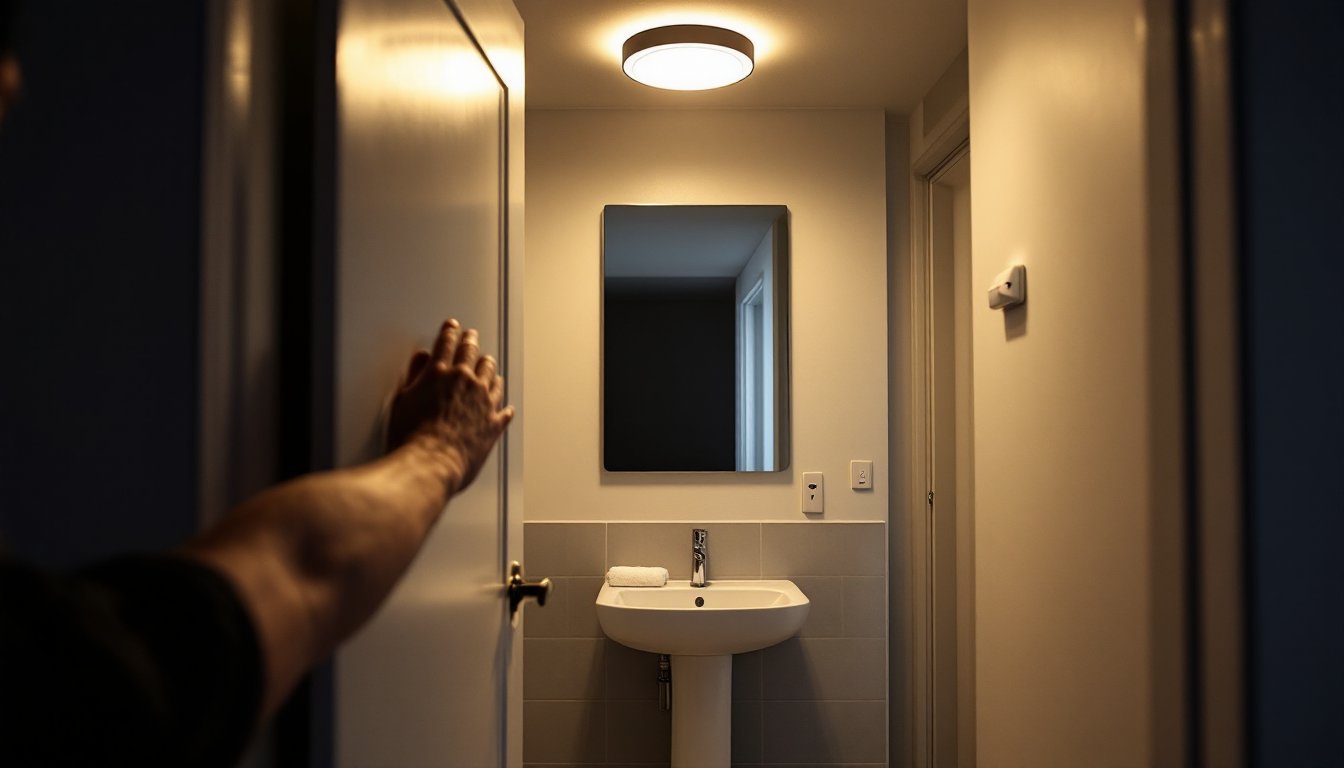
Walking into a dark bathroom at 2 a.m. means fumbling for a switch, squinting under harsh overhead light, and killing any hope of falling back asleep quickly. A motion sensor bathroom light solves that problem, and a dozen others you didn’t know you had. These fixtures detect movement and trigger illumination automatically, no fumbling required. They’re not just convenient: they’re safer for kids and elderly family members, they cut energy waste, and installation rarely requires more than basic electrical know-how. Whether you’re retrofitting an existing fixture or starting from scratch, this guide walks through everything needed to choose, install, and optimize a motion sensor light for bathroom spaces.
Table of Contents
ToggleKey Takeaways
- A motion sensor bathroom light automatically detects movement and activates illumination, eliminating the need to fumble for switches during nighttime visits and enhancing safety for children and elderly family members.
- Motion sensor lights combined with LED bulbs reduce bathroom lighting energy waste by 8–12%, costing under $2 annually per fixture compared to $6+ for incandescent bulbs left on longer.
- PIR (passive infrared) sensors are the most common and practical choice for bathrooms, detecting body heat with a 15–25 foot range and 120–180° field of view sufficient for standard layouts.
- Installation of a motion sensor light typically requires only basic electrical skills—shutting off power, connecting color-coded wires, and configuring adjustable time-delay and sensitivity settings via DIP switches.
- Adjustable features like time delay (30 seconds to 10 minutes), sensitivity levels, and optional dimming/warm light modes allow customization to prevent false triggers and preserve sleep quality during nighttime use.
- Check your switch box for a neutral wire before purchasing a wall-switch sensor model; older homes with switch-loop wiring may require hiring a licensed electrician to avoid costly rewiring mistakes.
What Is a Bathroom Motion Sensor Light and How Does It Work?
A motion sensor light for bathroom use is a fixture (or retrofit module) that combines standard LED or incandescent bulbs with an infrared (PIR), microwave, or dual-technology sensor. The sensor monitors the room for changes in heat signature or microwave reflection patterns. When movement crosses the detection zone, a relay closes and power flows to the lamp.
PIR (passive infrared) sensors are most common. They detect body heat against a static background. Because bathrooms are small and enclosed, a single PIR typically covers the entire space when ceiling-mounted. Range usually runs 15–25 feet with a 120–180° field of view, more than enough for a standard 5×8-foot bathroom.
Microwave sensors emit low-power radio waves and measure reflections. They’re less common in residential bathrooms because they can detect motion through walls, leading to false triggers from hallway traffic. Most homeowners stick with PIR or dual-tech units that require both PIR and microwave confirmation before switching on.
The fixture itself can be a complete ceiling mount, a retrofit adapter that screws into an existing socket, or a switch-replacement module installed in the wall box. Ceiling fixtures offer the cleanest look and widest coverage: screw-in adapters are renter-friendly: wall switches keep existing fixtures intact but may have narrower detection angles.
Why Install Motion Sensor Lighting in Your Bathroom
Safety and Convenience Benefits
Nighttime bathroom trips account for a surprising number of household falls, especially among seniors and young children. Automatic illumination eliminates the need to navigate doorways, tile floors, and tub edges in the dark. No switches to locate, no blinding overhead glare, just enough light to see clearly without tripping over a bath mat.
For families with toddlers still learning light switches or elderly members with arthritis or limited mobility, hands-free operation removes a common friction point. Nobody forgets to turn off the light, and nobody gets locked out because the switch is behind the door.
Convenience extends beyond safety. When arms are full of laundry or a fussy toddler, automatic lights mean one less thing to juggle. During late-night visits, a motion sensor bathroom light can be set to low-lumen or warm-temperature mode, preserving circadian rhythm better than a blast of cool white from a manual switch.
Energy Savings and Cost Efficiency
Bathroom lights left on account for roughly 8–12% of residential lighting energy waste, according to home automation research from Digital Trends. Motion sensors eliminate that waste by enforcing strict on/off discipline. Most units include adjustable time delays, typically 30 seconds to 10 minutes, so the light extinguishes shortly after the room clears.
Pair a motion sensor with an LED bulb (9–12 watts for typical bathroom brightness) and annual operating cost drops to under $2 per fixture in most regions, assuming $0.13/kWh and moderate use. Compare that to a 60-watt incandescent left on even two extra hours per day, which adds roughly $6 annually per fixture. Over a fixture’s 15-year lifespan, the delta covers the cost of the sensor itself.
Because the sensor controls on-time precisely, LED lifespan (rated for 25,000–50,000 hours) stretches further. Fewer switch cycles mean less thermal shock to driver components, reducing premature failure common in frequently toggled fixtures.
Choosing the Right Motion Sensor Light for Your Bathroom
Key Features to Consider
Detection range and angle matter more in oddly shaped bathrooms or those with separate water closets. A ceiling-mounted PIR with 180° coverage works for most layouts: if the toilet sits behind a partition wall, a second sensor or a microwave unit may be necessary. Check the spec sheet for mounting height limits, most PIR sensors perform best at 8–12 feet. Lower ceilings can trigger false positives if the sensor’s field tilts too far downward.
Adjustable sensitivity lets the installer dial in detection thresholds. High sensitivity catches small movements (a hand reaching for a towel) but may false-trigger from steam movement or a ceiling fan. Low sensitivity requires larger motion (walking into the room). Bathrooms with high humidity or exhaust fans benefit from medium-low settings to avoid nuisance activations.
Time-delay settings control how long the light stays on after the last detected movement. Thirty seconds to one minute works for quick hand-washing: five to ten minutes suits showers or baths. Some units offer dual-mode timers, short delay during the day, longer at night, programmable via DIP switches or a companion app.
Lux threshold (daylight sensing) prevents the light from activating when the room is already bright. This feature is less critical in windowless powder rooms but valuable in bathrooms with natural light, preventing wasted energy on sunny mornings.
Dimming and color temperature features appear in higher-end models. A dimmer setting (10–20% brightness) for nighttime use preserves night vision and minimizes sleep disruption. Some units toggle between warm (2700K) and cool (4000K) output based on time of day or manual override.
Compatibility with existing wiring determines installation complexity. Most motion sensor ceiling fixtures require a standard switched hot, neutral, and ground, the same three-wire setup as a conventional ceiling light. Screw-in adapters need only a working socket. Wall-switch replacements usually need a neutral wire in the switch box: older homes wired with switch-loop configurations (hot and switched-hot only, no neutral) can’t support most smart switches without rewiring. Check your box before buying.
When comparing models, independent testing matters. Reviews from outlets like Tom’s Guide and Good Housekeeping highlight real-world performance, false-positive rates, and reliability over months of use, details rarely covered in manufacturer specs.
Step-by-Step Installation Guide for DIY Homeowners
Safety first: Shut off power at the breaker. Use a non-contact voltage tester to confirm wires are dead before touching anything. Bathroom circuits often share a breaker with outlets: test both lights and receptacles.
Tools and materials:
- Non-contact voltage tester
- Wire strippers
- Phillips and flathead screwdrivers
- Drill with appropriate bit (if mounting to drywall or tile)
- Wire nuts (usually supplied with fixture)
- Electrical tape
- Ladder or step stool
- Safety glasses
For a ceiling-mount fixture replacement:
-
Remove the old fixture. Unscrew the canopy or globe, disconnect wire nuts, and pull the fixture free. Note which wires connect where, typically black (hot) to black, white (neutral) to white, and bare copper or green (ground) to the fixture ground screw or wire.
-
Inspect the junction box. It should be securely fastened to a joist or blocking. Plastic “old-work” boxes are code-compliant for fixtures under 50 pounds but must be rated for the weight. If the existing box is loose or damaged, replace it before proceeding.
-
Connect the motion sensor fixture. Follow the manufacturer’s diagram. Most use the same color code: black to black (hot), white to white (neutral), green or bare to ground. Twist connections clockwise with wire nuts, tug gently to confirm they’re secure, and wrap each nut base with electrical tape.
-
Mount the fixture. Align the canopy with the box screws, tighten snugly but avoid overtightening (which can crack ceramic or plastic). Install the bulb (confirm wattage limits on the label) and attach any diffusers or globes.
-
Configure sensor settings. Before restoring power, locate DIP switches or rotary dials (usually behind the canopy or on the sensor module). Set time delay, sensitivity, and lux threshold per the instructions. Defaults work for most bathrooms, but fine-tuning may be needed after testing.
-
Restore power and test. Flip the breaker, wait for the sensor to initialize (10–60 seconds), then walk into the detection zone. The light should activate immediately. Leave the room: it should extinguish after the delay period. Test from multiple entry points and adjust sensitivity if needed.
For a screw-in adapter installation:
-
Turn off the switch controlling the socket. Unscrew the old bulb.
-
Screw the adapter into the socket, ensuring it seats fully. Most adapters have a built-in socket for the bulb: thread the bulb into the adapter.
-
Adjust settings via external dials or a pull-chain (model-dependent). Test by toggling the wall switch on and walking into range.
Permit and code notes: Simple fixture replacement (same type, same location) typically doesn’t require a permit under the National Electrical Code (NEC) or most local amendments. Adding a new circuit or relocating a box usually does. If the bathroom is part of a remodel involving structural or plumbing work, confirm permit requirements with your local building department. Always follow NEC Article 410 for fixture installation and ensure bathroom circuits meet GFCI protection requirements per NEC 210.8.
When to call a pro: If your switch box lacks a neutral wire and you want a wall-switch sensor, hire a licensed electrician to run new wire or install a relay module. Same goes for any uncertainty about circuit capacity, box support, or code compliance. A service call costs $100–$200 in most markets: fixing a DIY mistake can run much higher.